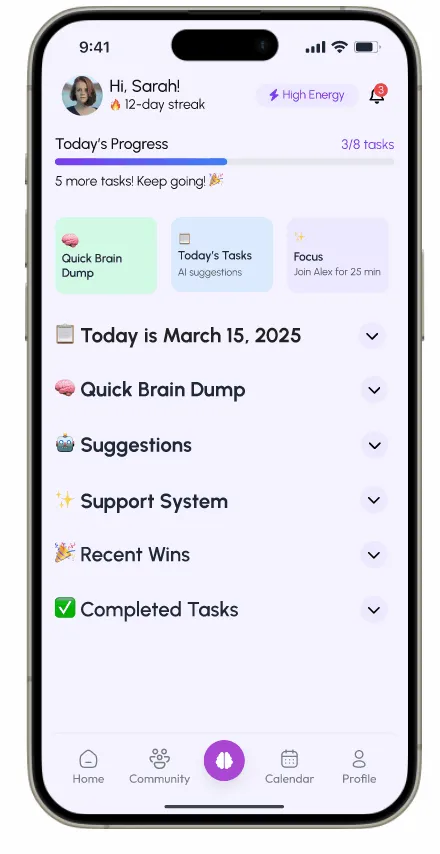
Work/016/Concept study · App
WanderNest
An app for your first months in a new country, when finding a doctor and sorting the recycling both feel like detective work.
Concept study. Designed during DesignLab’s UX Academy, not a shipped product.
- Role
- Sole designer, research and design
- With
- A DesignLab mentor and group critiques
- Year
- Fall 2024, 12 weeks
- Tools
- Figma, Framer
01The short version
I designed WanderNest while I was the newcomer myself, teaching in Skopje.
It puts local guides and expat meetups in 1 app, with an AI helper called Birdie for the questions in between.
I did the research and the design on my own, with a mentor and group critiques along the way. Then I tested the prototype with 6 people and fixed the places they got stuck.
028 expats, 1 complaint
I interviewed 8 expats, some in their first month and some years in, and they had 1 complaint in common.
“I kept getting lots of conflicting information and was very confused,” one of them told me. The answers were out there, scattered across forums and Facebook groups, and they didn’t always agree.
I also went through WorkAway, Nomads.com, Facebook Groups, Reddit, Airbnb and BeaGo. Each one covers a slice of expat life well, and you’re left to stitch the slices together yourself.
03Belonging counts too
Belonging mattered as much as the answers.
Another person said, “Most groups I found were outdated or inactive.” And someone else: “It felt great to share findings and know I wasn’t alone.”
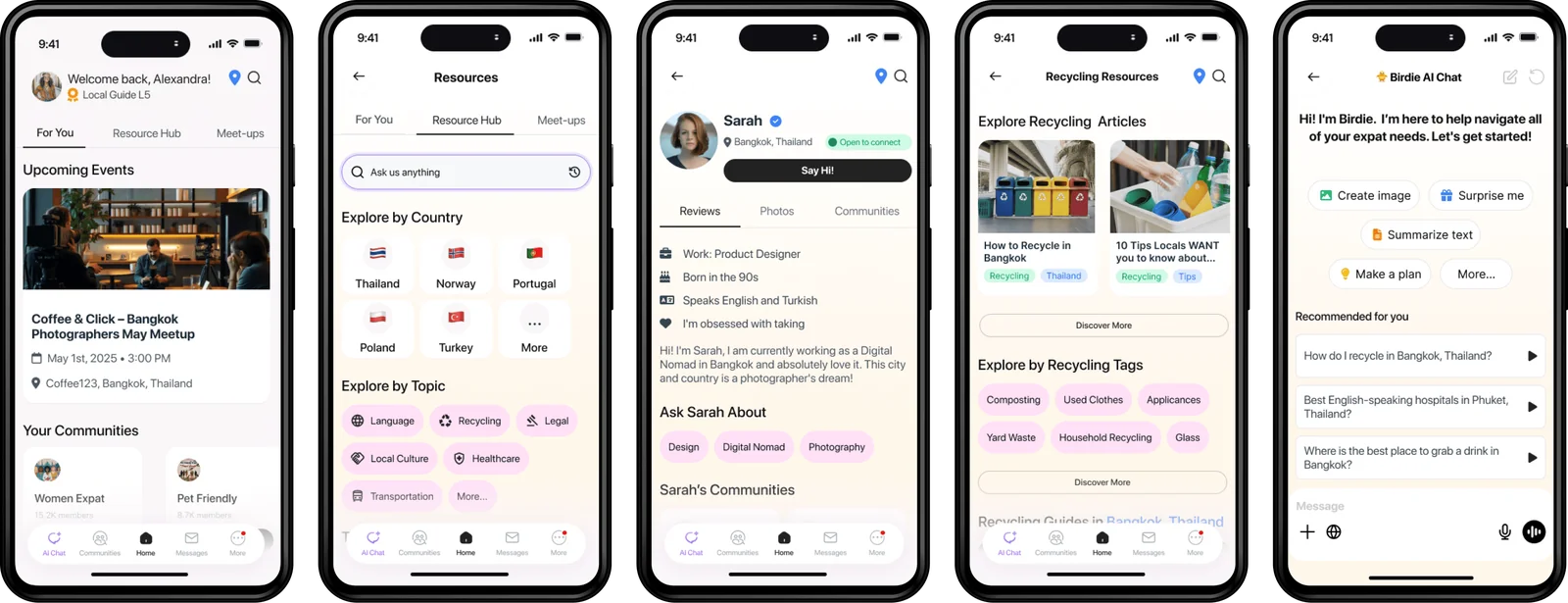
So WanderNest opens on both halves. The home screen has the resource hub and the meetups near you, and every group shows how many people are in it and what they posted last.
04Familiar on purpose
I kept the layout close to the apps people already use, so Birdie and the city comparisons were the only new things to learn.
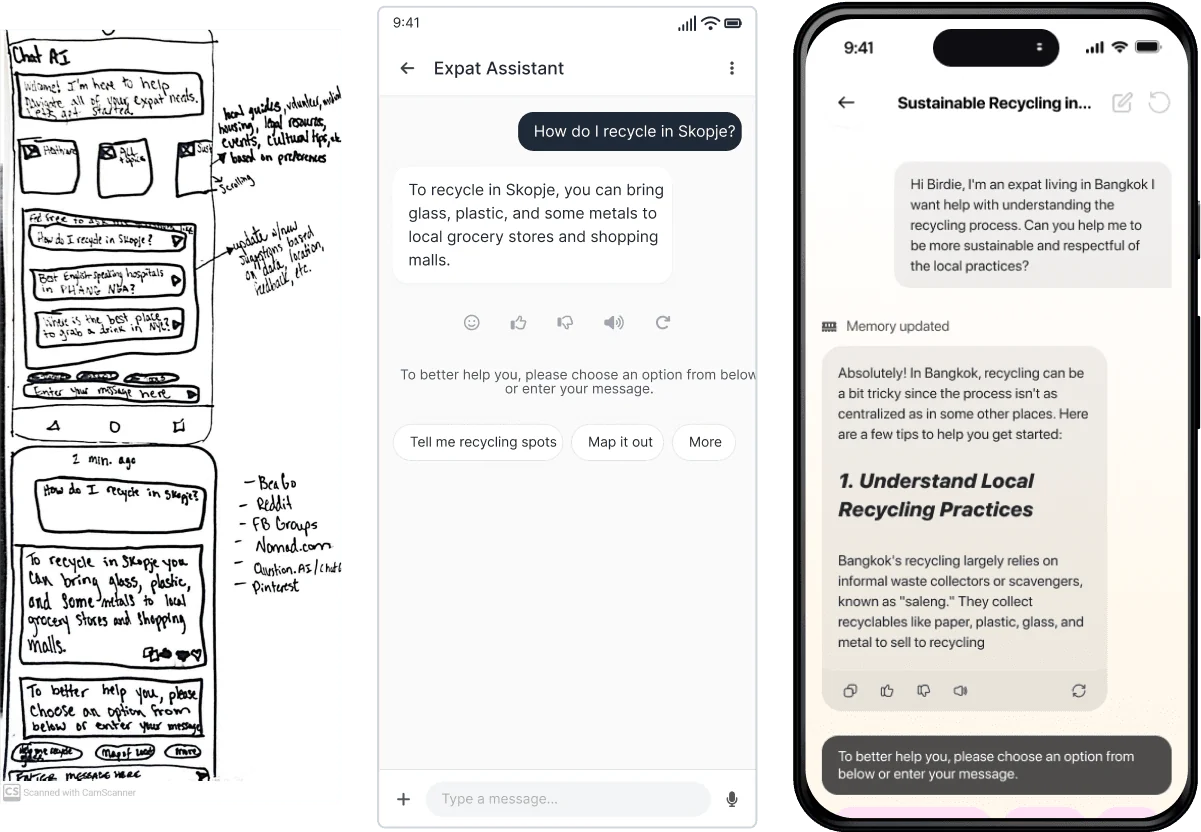
Birdie suggests questions to start with and keeps the text box at the bottom, where your thumb expects it. I built 6 flows to test, like asking Birdie how recycling works in Bangkok and comparing Bangkok with another city.
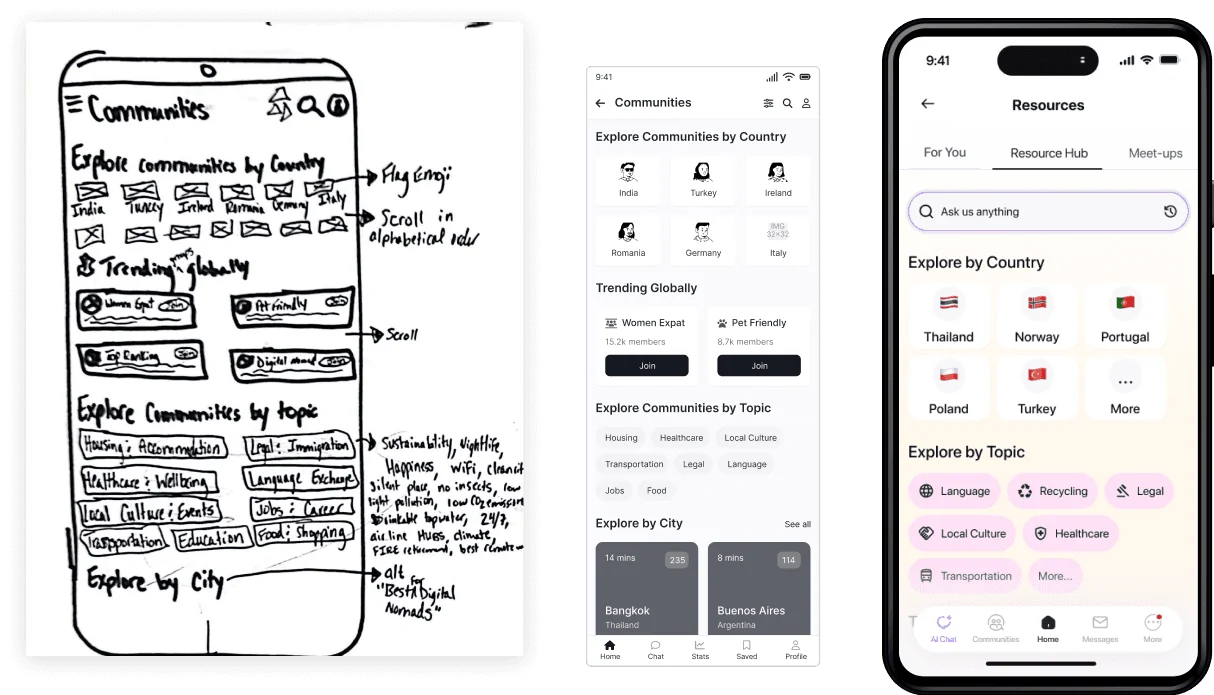
Every screen went from a paper sketch to a grey wireframe before it got any colour.
05What testing changed
6 people tested it in moderated remote sessions, and they went looking for things I hadn’t built yet.
6 of 6 testers completed every task. The notes from those sessions set the next round of changes.
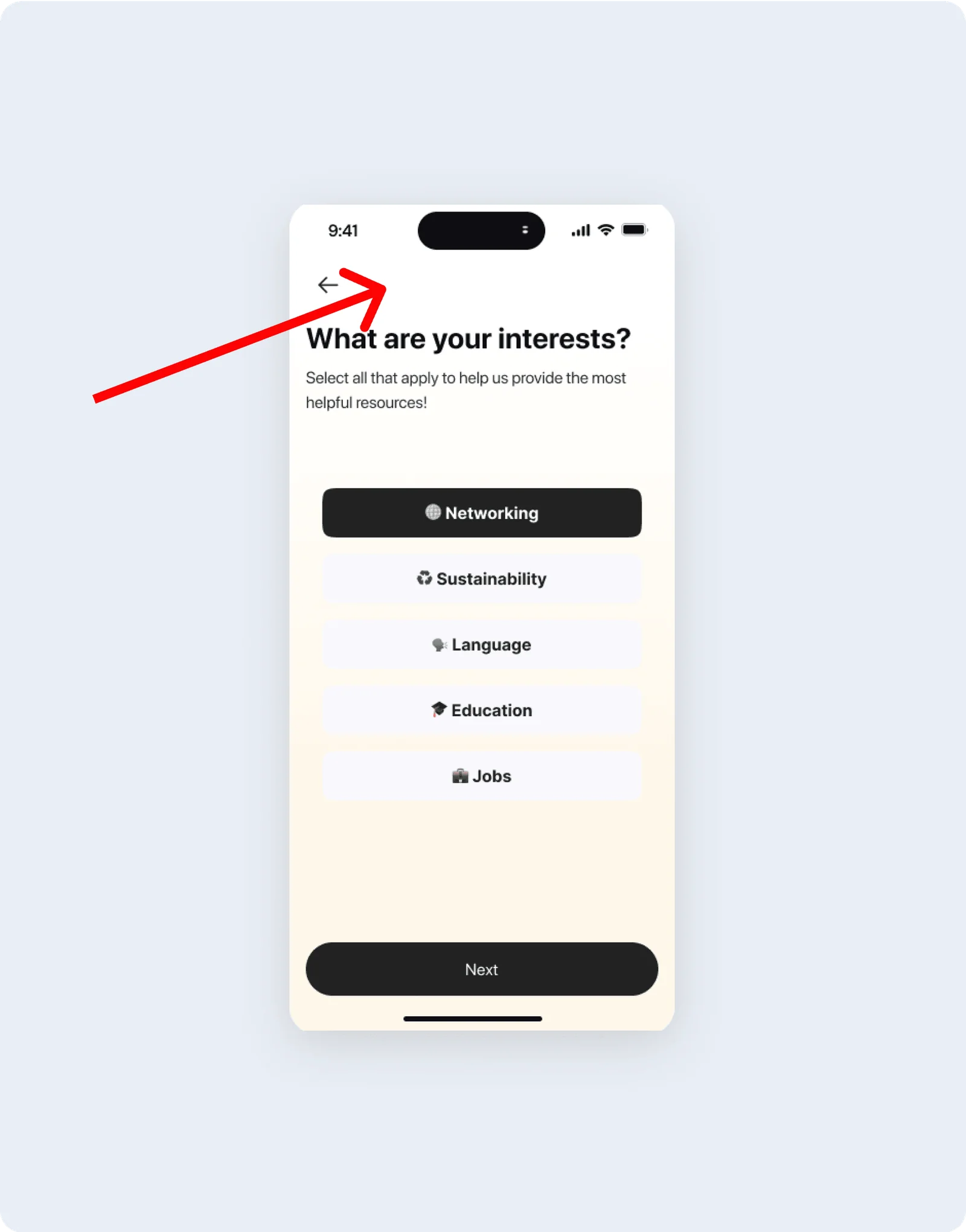
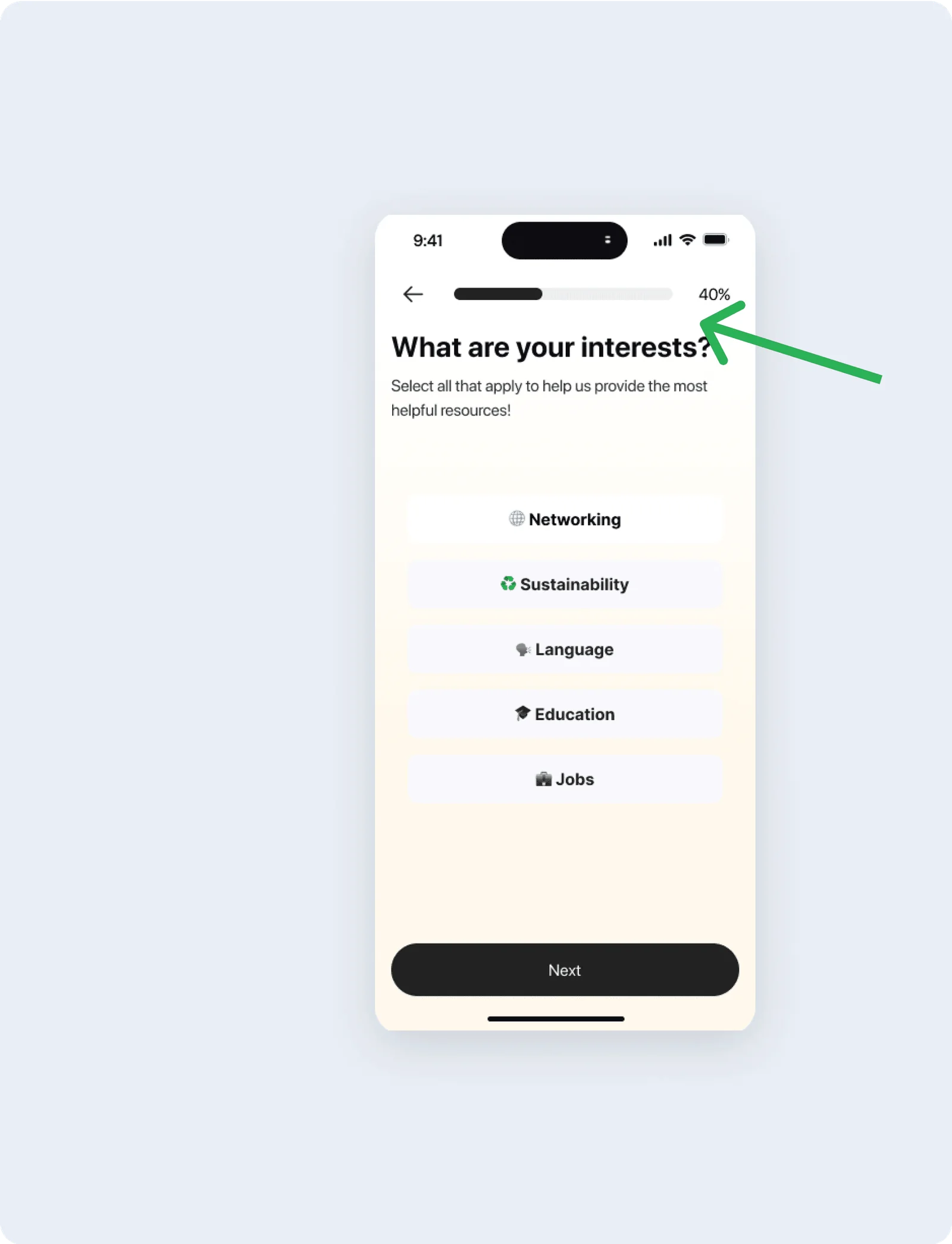
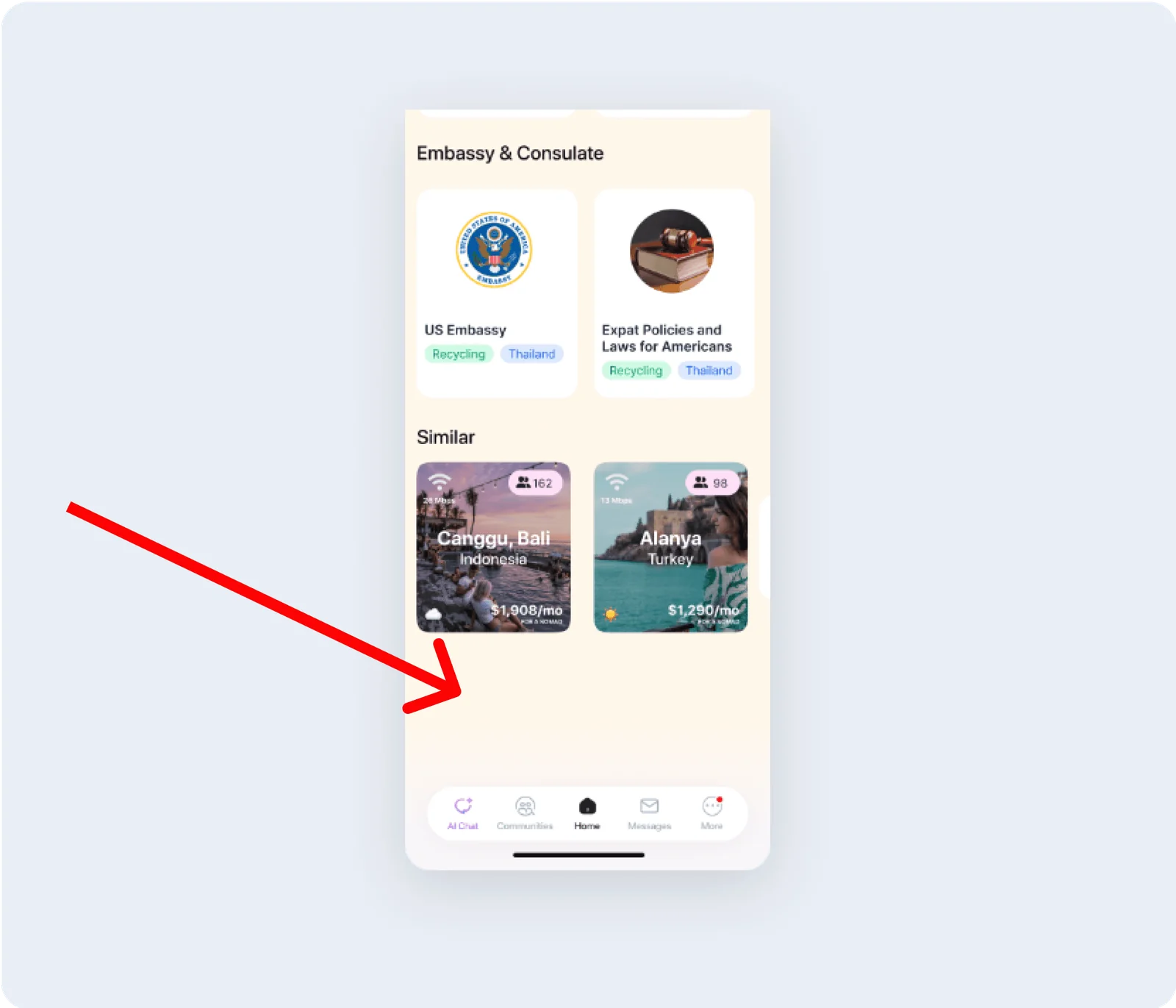
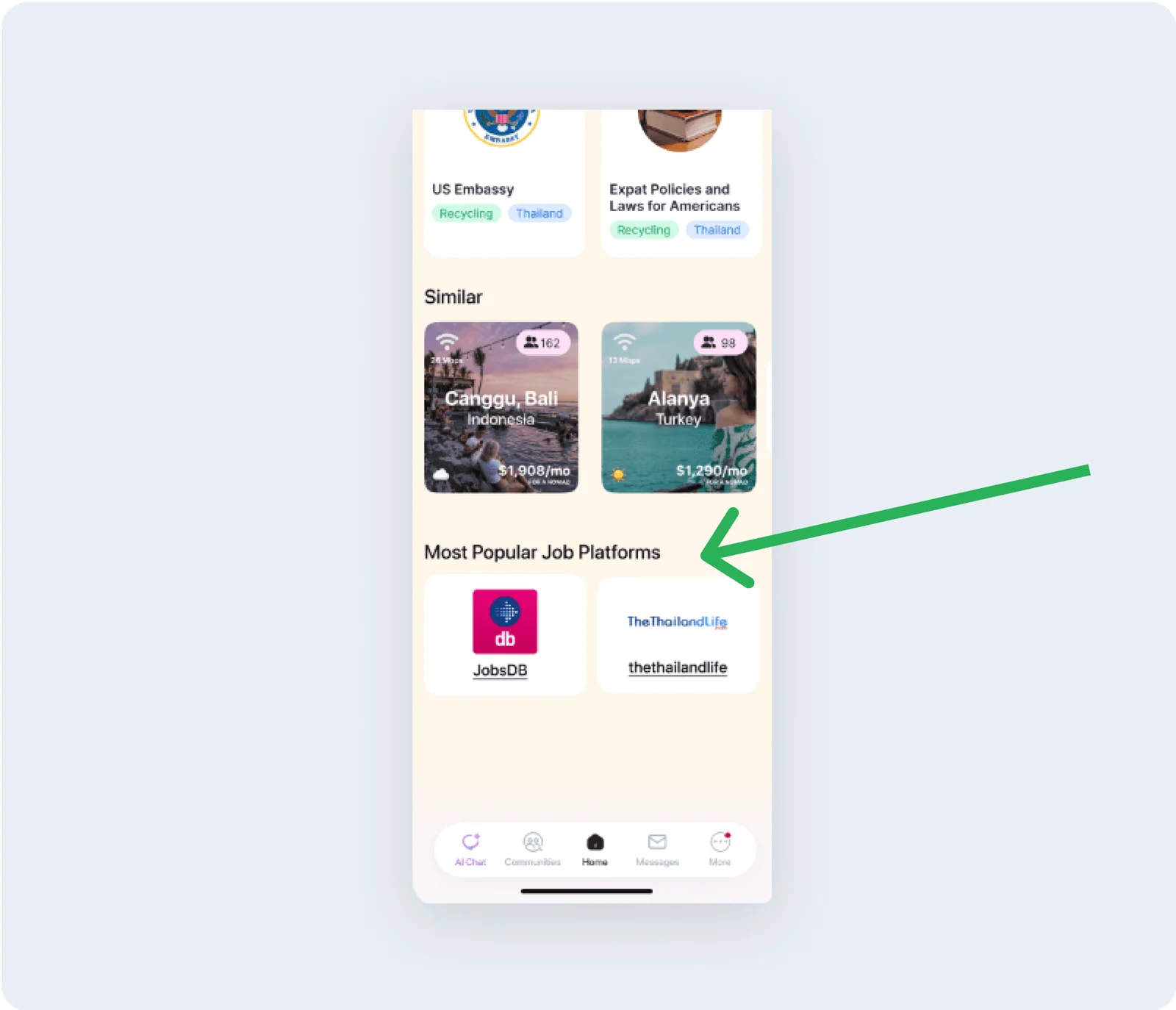
Testers wanted to tick several interests at once and see how far along they were, so onboarding stopped jumping ahead after each tap and got a progress bar. On the Bangkok screen they went looking for jobs, so I added the most popular job sites in Bangkok.
“I like the layout of these screens. It’s clear and engaging and holds my interest to keep exploring.”
Credits
WanderNest
- Research and design
- Alex Jammali
- Mentor and critiques
- DesignLab UX Academy
- Interviews
- 8 expats
- Testing
- 6 moderated remote sessions
Concept study · Mobile app · Fall 2024